
Enabling Client Credentials for the Investor API
Overview
This guide is applicable only for partners using the Investor API and client credentials authorization flow
Once your production client credentials application is approved by Carta, you will need to reach out to an Administrator of the Investment Firm(s) you are building an integration for to enable your API access. The Admin can use the steps below to grant access.
Add API Access
- Login to your Carta Admin account, browse to your Investment Firm, and navigate to Firm Settings
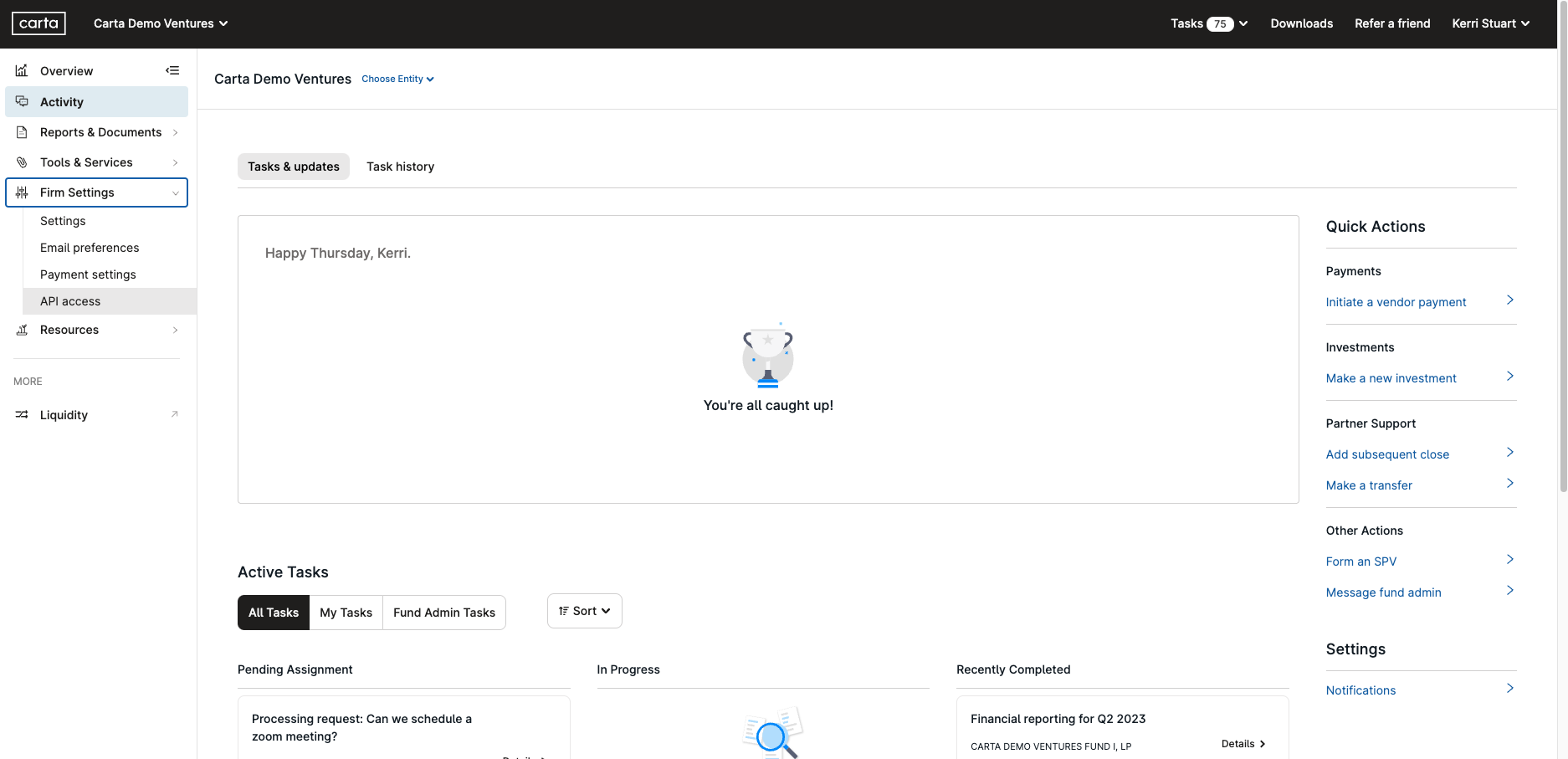
- Click on API access
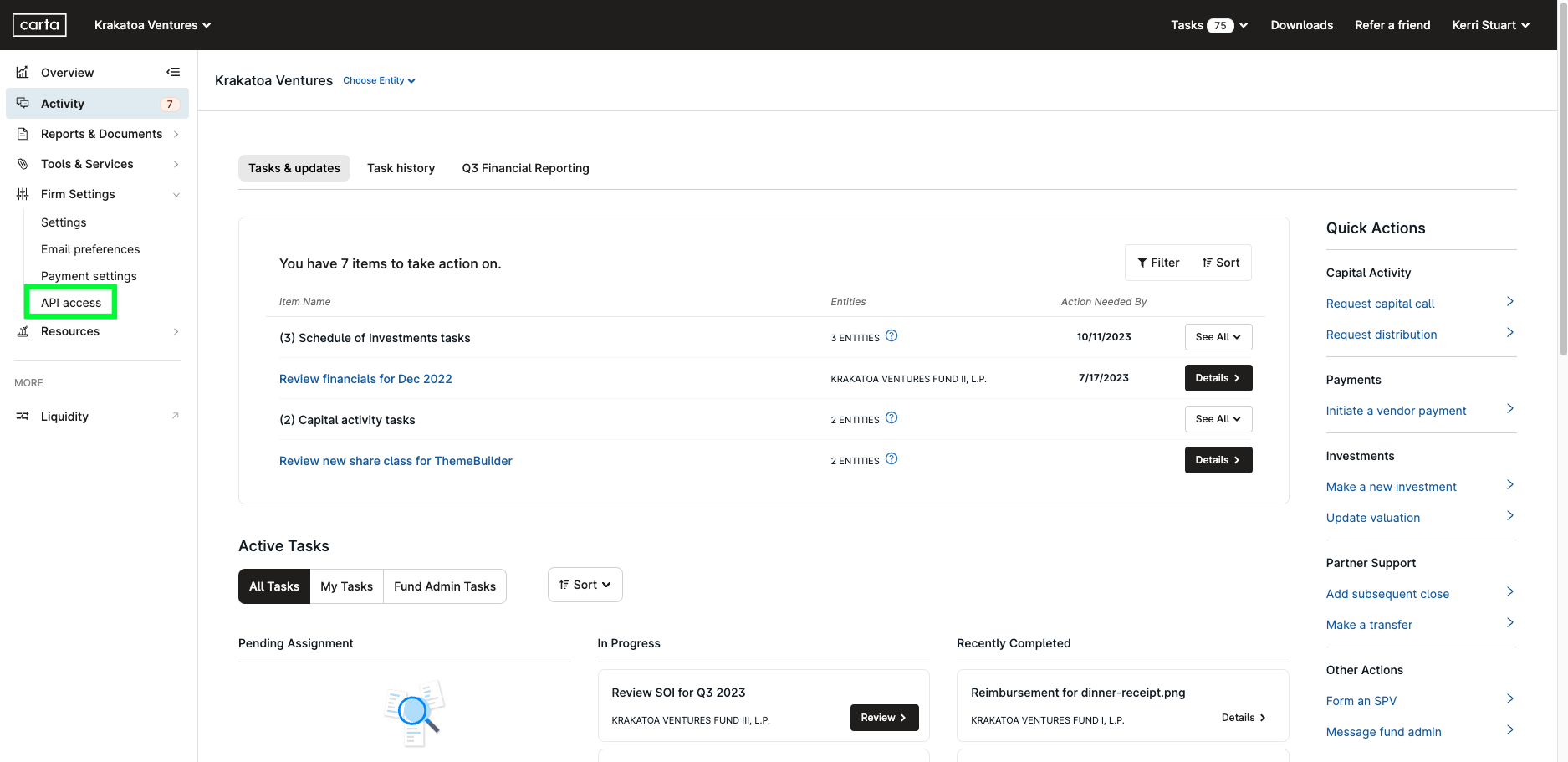
- Click the Add new app button
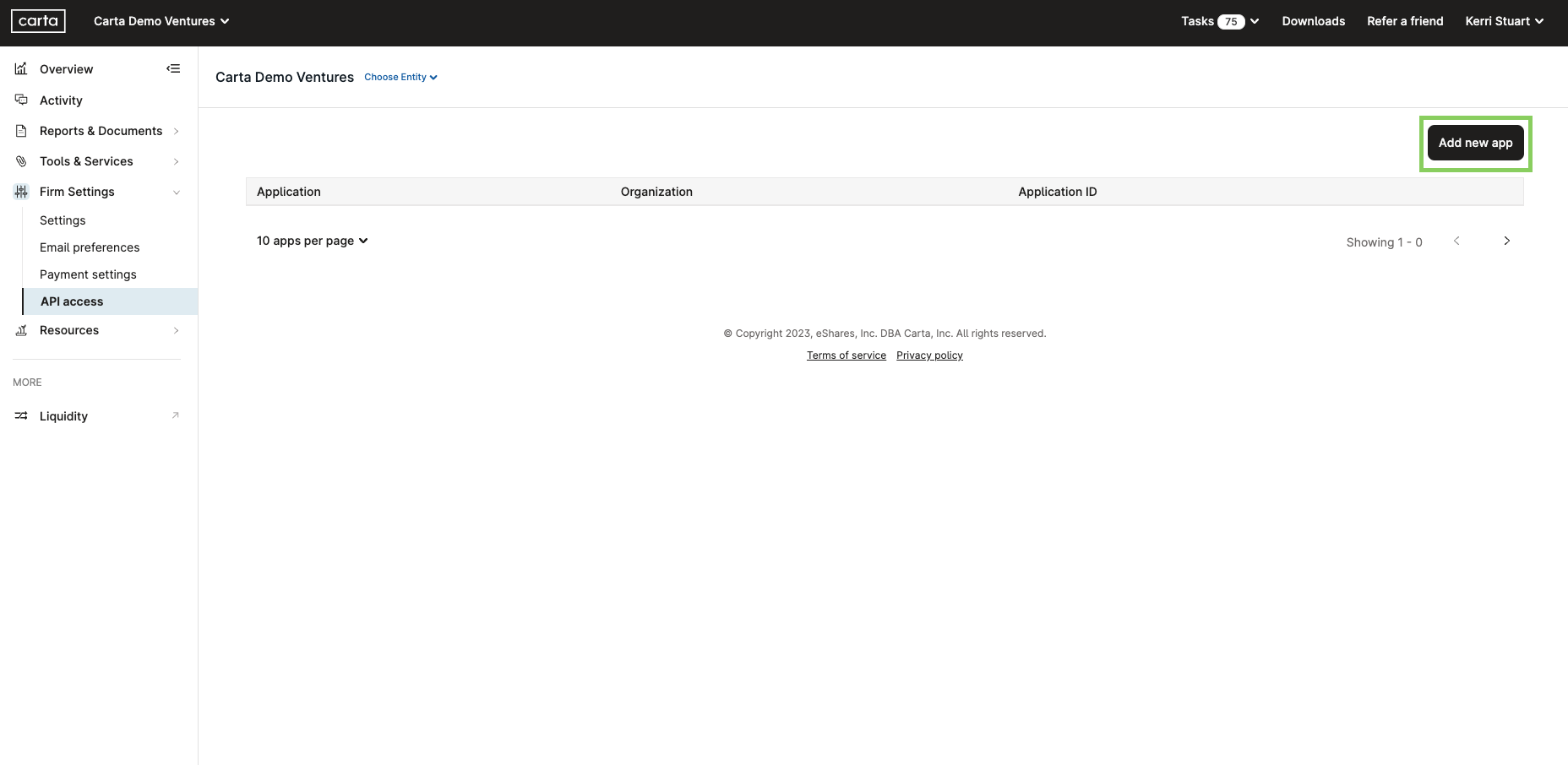
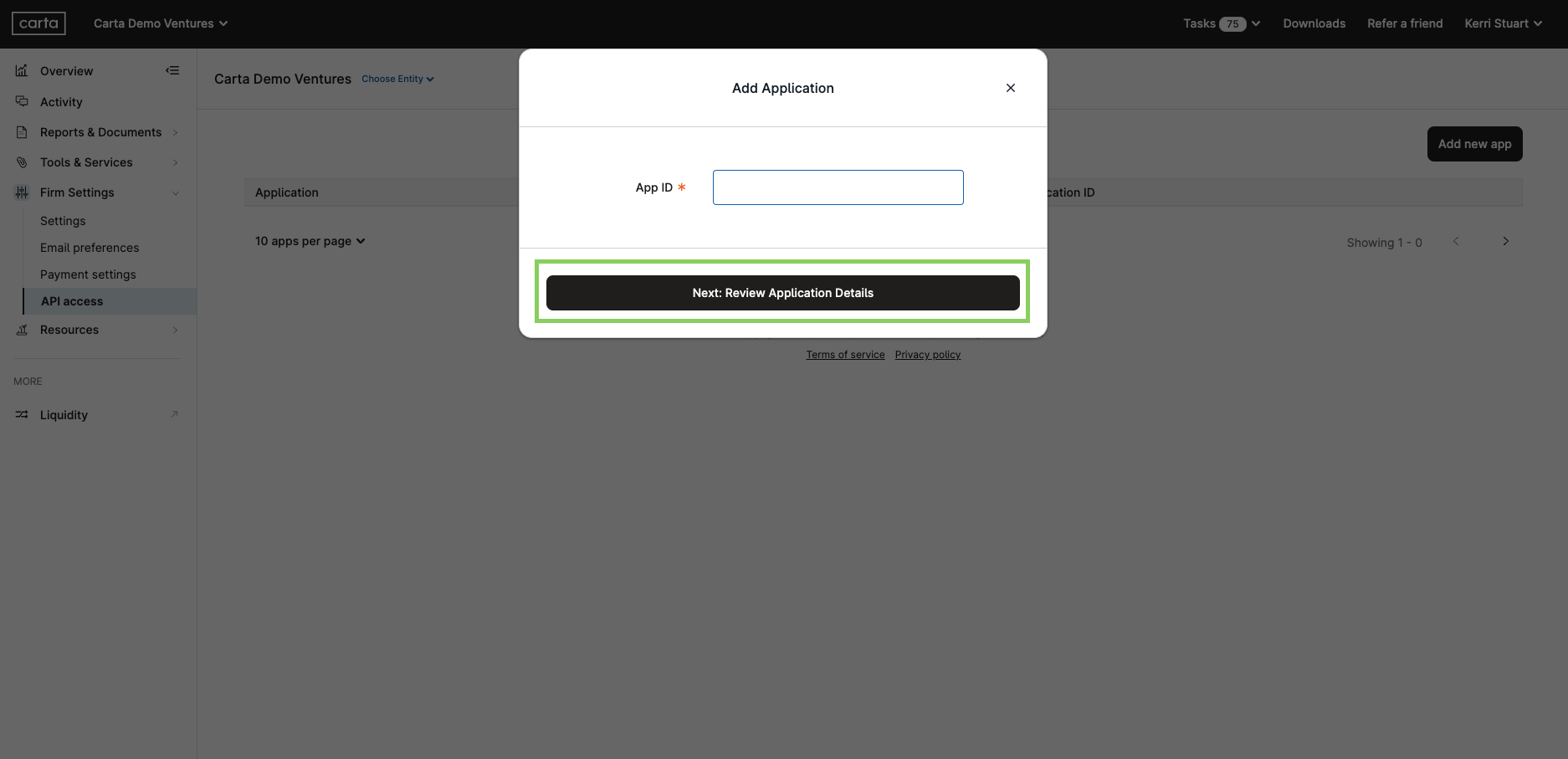
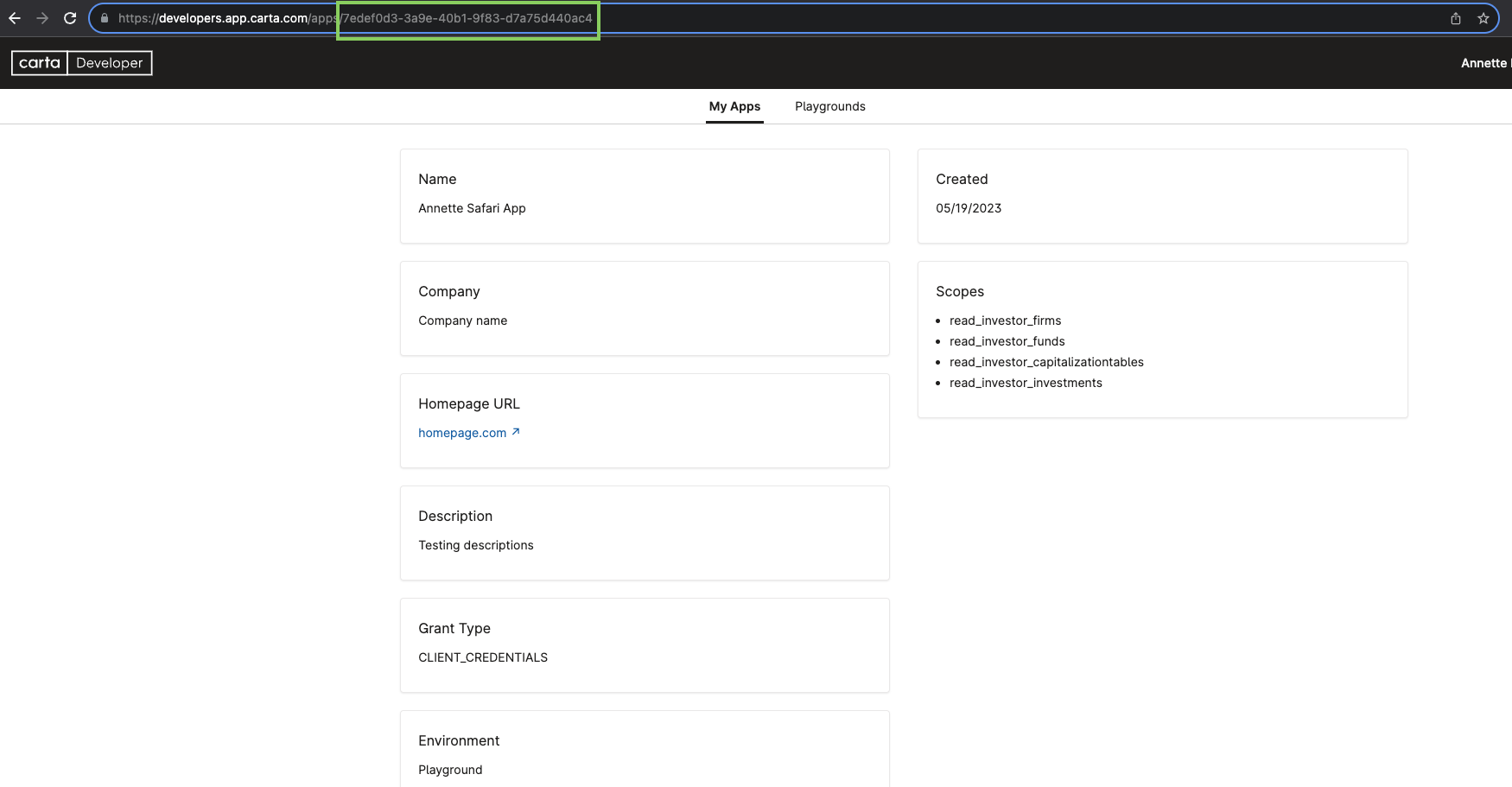
- Enter the ID for the API application you are trying to link to your Investment Firm and click Next: Review Application Details. You can obtain this ID from the developer who created your app. It is present in the app page URL on our developer portal.
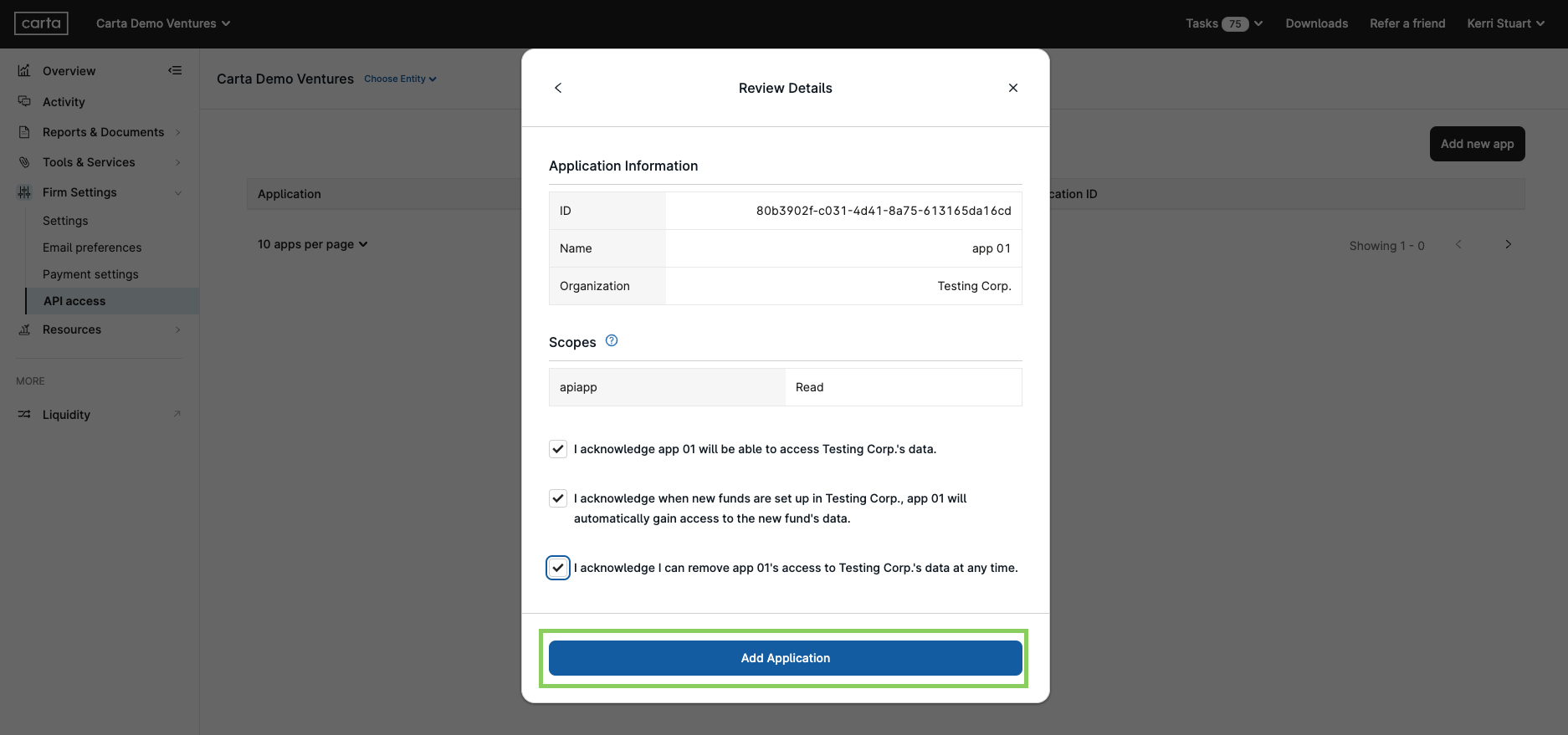
- Review the details of the application being linked to your Investment Firm. Check the acknowledgements and click Add Application.
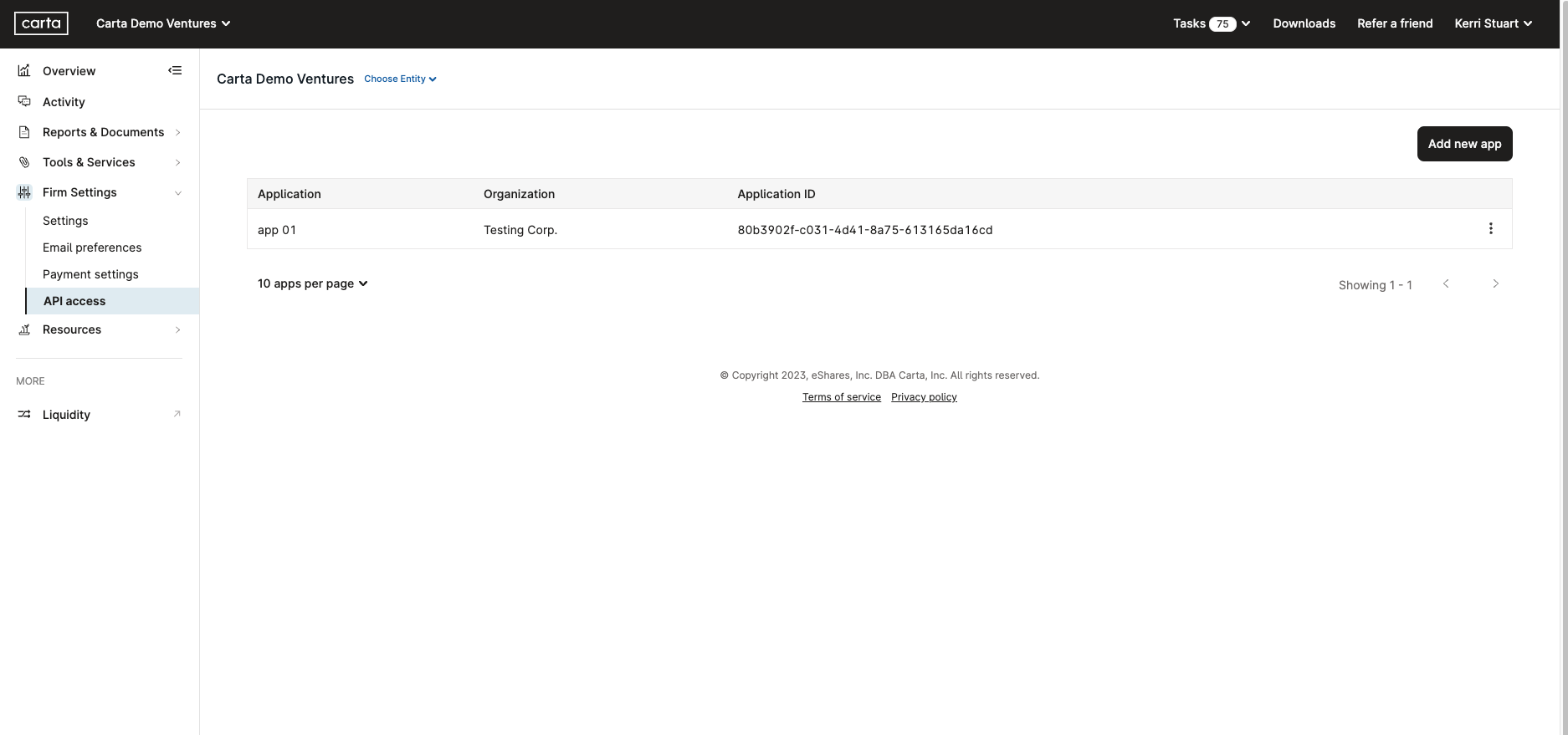
- The application is now added to your Investment Firm and can be used to access its data via the Investor API
Remove API Access
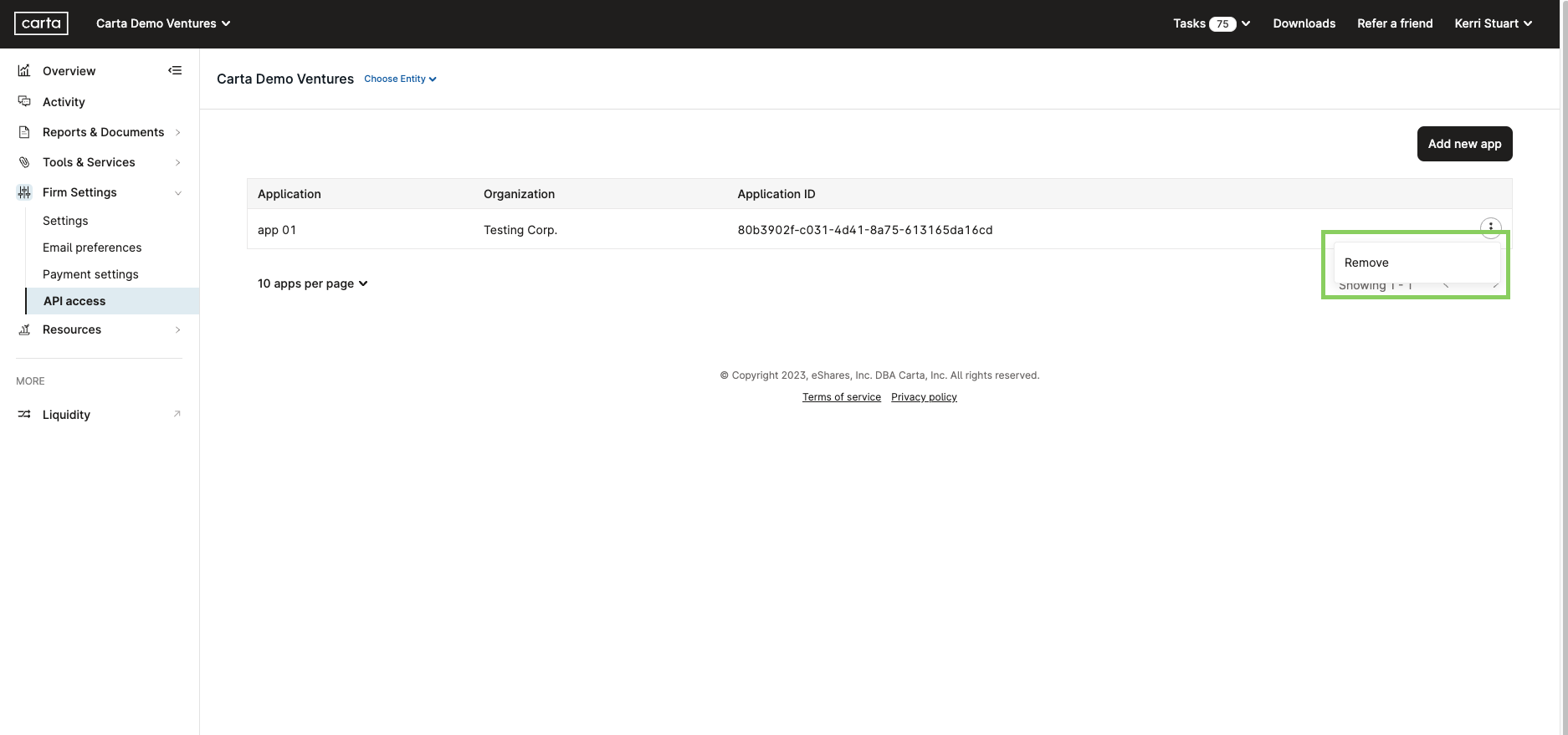
- Click the vertical ellipses next to the application for which you would like to remove access, and click Remove
- Click Remove Application to confirm
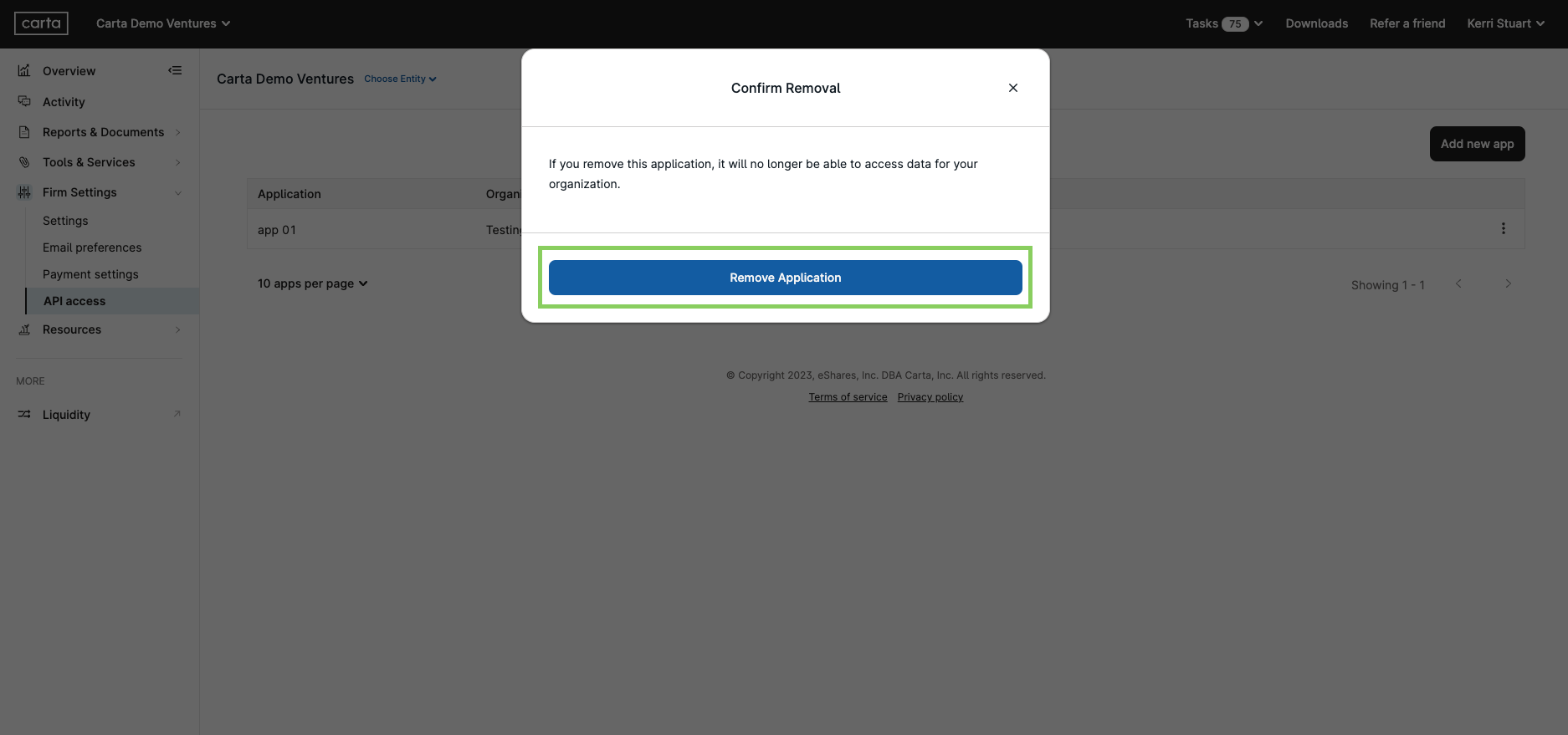
- The application will now be removed and will no longer be able to access your Investment Firm's data.
Updated 5 months ago
Did this page help you?